
Work out what
to build next.
Product Vector is a private desktop workspace for shaping ideas, researching the evidence, and turning a plan into project work.
Get release updates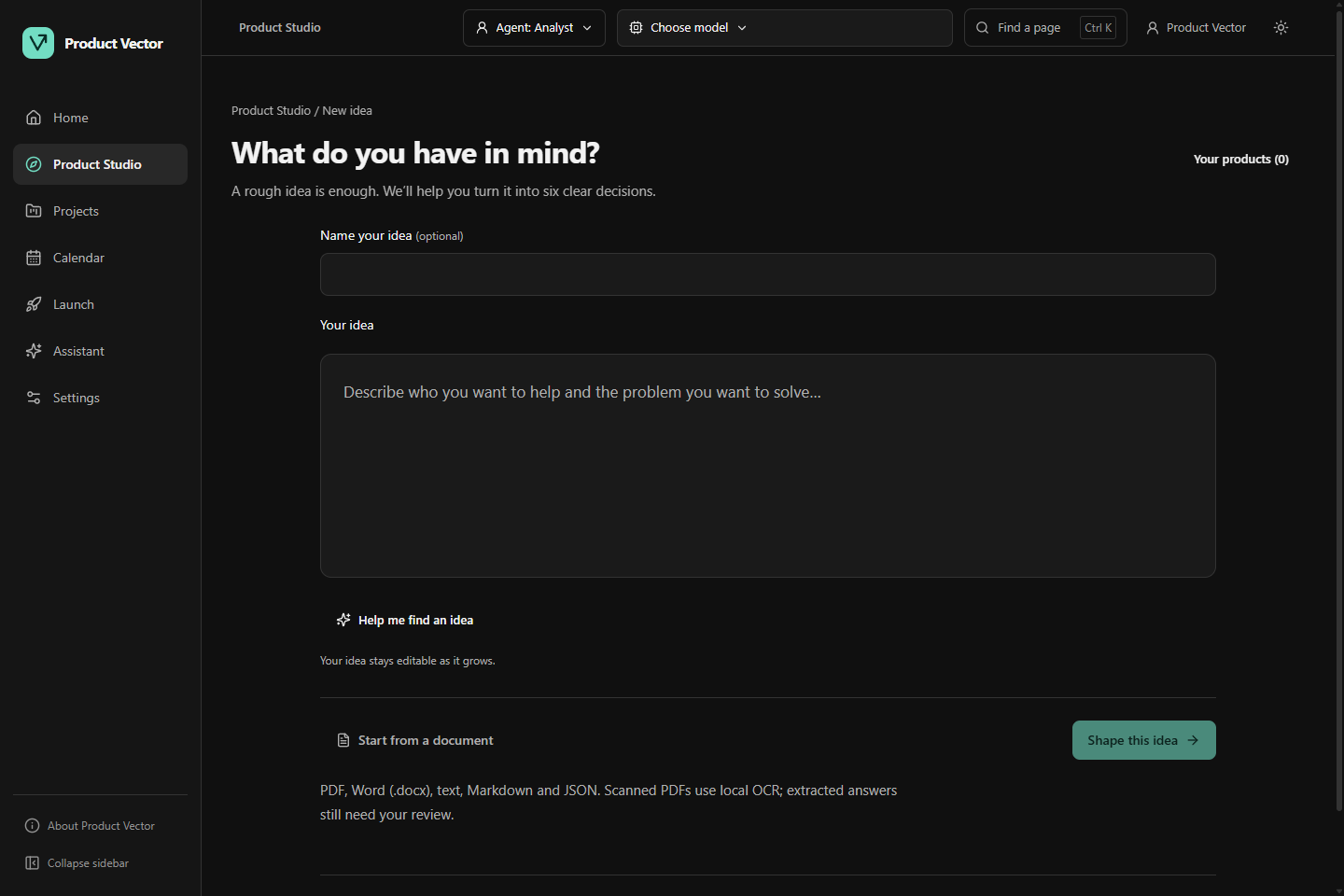
From a thought
to a plan
you can use.
Work through the decisions in order.
Keep the context as you go.
- 01Idea
Start with what’s on your mind.
Bring a rough idea or import an existing plan. Your original documents stay with your workspace.
- 02Plan
Answer the questions that matter.
Work through customers, value, scope, economics, launch and constraints. Review AI drafts and make the plan your own.
- 03Research
Find the evidence.
Research the market, competitors, audience and distribution. Keep the sources, findings and gaps together.
- 04Evaluate
Decide what the evidence changes.
Evaluate the research. Compare proposed improvements and choose what to adopt, with earlier plans preserved.
- 05Build & launch
Carry the plan into the work.
Define your MVP, review proposed tasks and record changes. Keep development and launch dates connected to your calendar.
Your work.
Your computer.
Understand what stays localYour ideas don’t need
a home on someone else’s server.
Plans, projects and imported files are saved in your local workspace. Supported local AI models run on your computer, too.
- You choose the connections.
- Cloud AI, web research and external tools send the information needed when you choose to use them.
- You keep a way back.
- Save earlier editions, export a backup and keep your original ideas as the plan changes.
License verification, where required, is limited to information needed to check the license. Your workspace content is not part of that check.
A few things
worth knowing.
Ask us somethingWho is Product Vector for?
Solo founders and independent builders working out what to build. Start with a business idea, a problem or an existing plan. You don’t need to begin with a development specification.
How does AI fit into the work?
AI can help draft answers, collect research and propose changes. You review the sources, edit the drafts and decide what to adopt. It cannot guarantee customer demand or a successful business.
Can I use it with local AI?
Yes. Supported local models run on your computer through the bundled runtime. Models are downloaded or imported separately; speed and quality depend on your hardware and model. Online research and model downloads need internet access.
Does my data stay on my computer?
Your workspace is saved locally by default. If you choose cloud AI, online research or external tools, the selected service receives information needed for that operation. Website email signups are handled separately through Brevo.
Is the workspace encrypted?
The password lock protects access within the app. It does not encrypt the workspace database or attachments. Stored provider credentials use Windows security. Use operating-system disk encryption if you need to protect workspace files at rest.
Follow the
Windows release.
Join the Product Vector Windows release list for product news and release updates.
The form is hosted by Brevo. Your first name and email are sent to Brevo when you subscribe. You can unsubscribe at any time.
Read the privacy policy